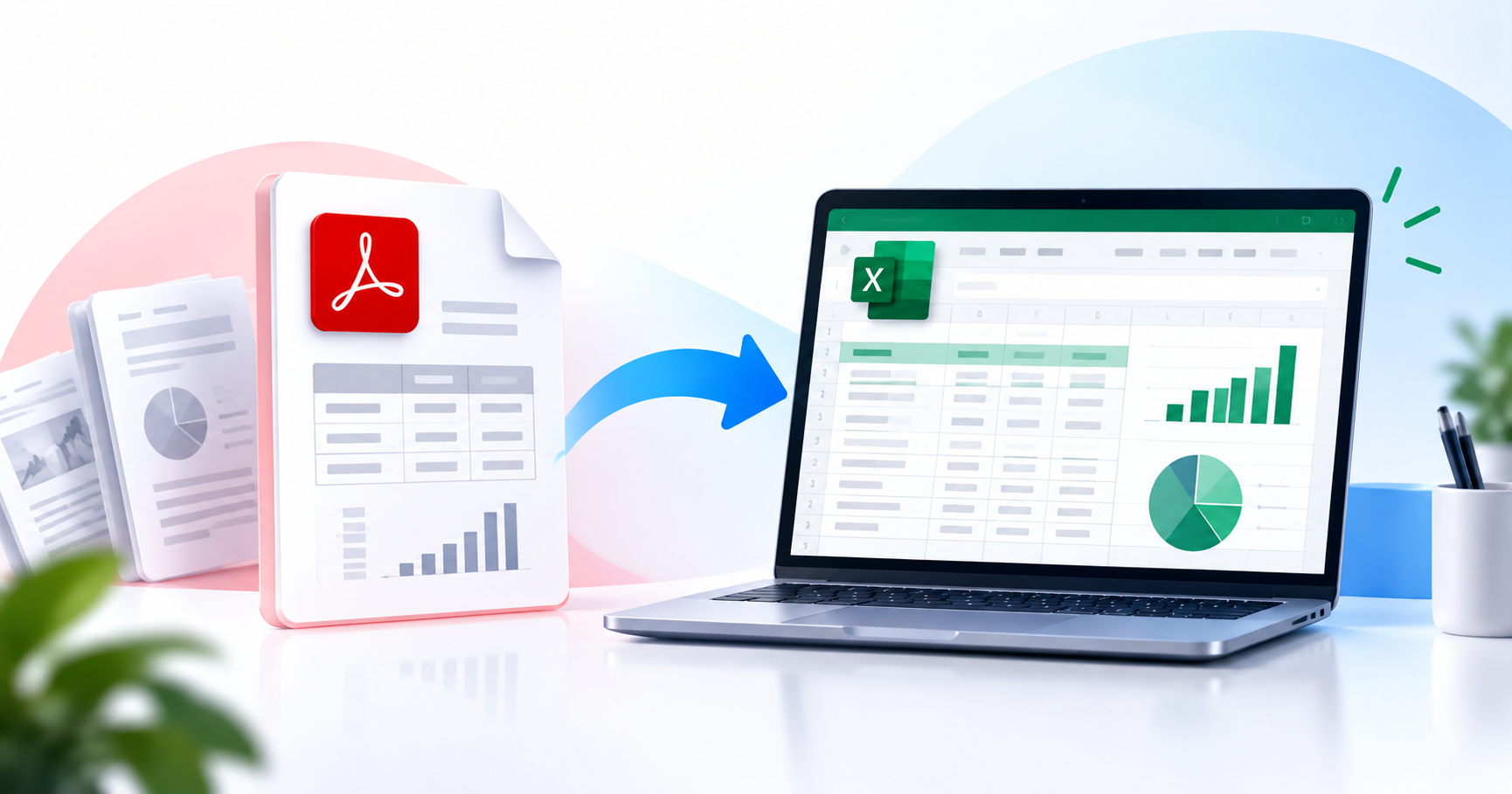
Every business runs on documents: invoices, contracts, bank statements, purchase orders, medical records. Buried inside all of them is structured data that someone on your team is still extracting manually. AI data extraction from PDFs changes that completely.
What Is AI Data Extraction from PDFs?
AI data extraction is the automated process of identifying, reading, and pulling structured information out of PDF documents using artificial intelligence — including machine learning, natural language processing (NLP), and optical character recognition (OCR). Unlike basic text scraping, AI extraction understands the meaning of what it reads. It can tell the difference between a "total" on an invoice and a "total" in a contract. It recognises that "Net 30" is a payment term. The output is clean, structured data — in JSON, CSV, or Excel — ready for your systems without manual intervention.
Why Traditional PDF Data Extraction Falls Short
Manual data entry is slow, error-prone, and expensive at scale. Basic OCR converts scanned pages to text but doesn't understand structure — you get raw text, not organised fields. Template-based extraction uses fixed positions and breaks the moment a new vendor uses a different layout. AI extraction solves all three limitations simultaneously.
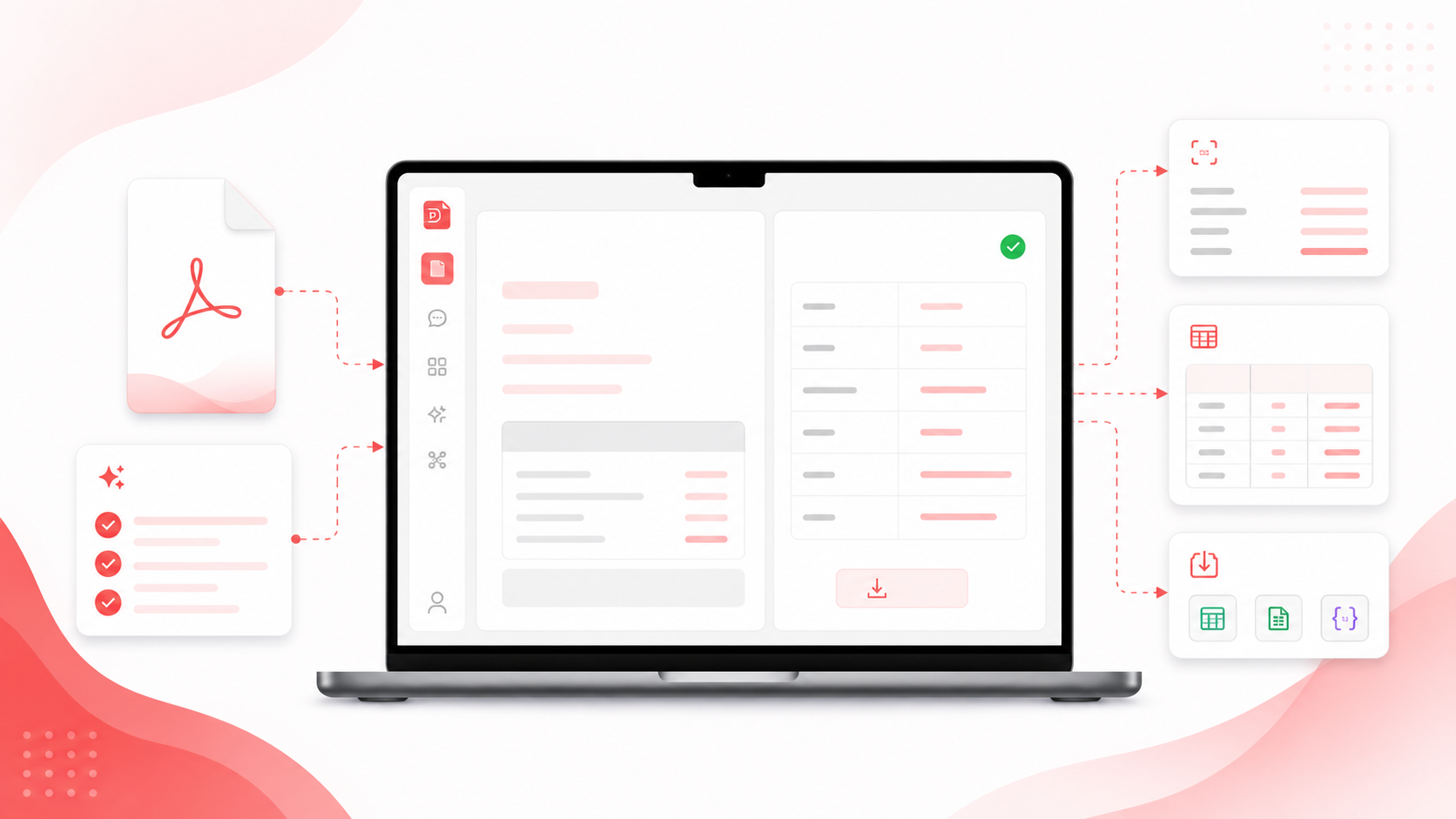
How AI Data Extraction Works
- OCR: If the PDF is a scanned image, OCR converts it to readable text first. Modern OCR achieves 99%+ accuracy even on handwritten or low-quality scans.
- Document Layout Analysis: AI analyses the visual structure — where are tables, column headers, labels, and values — enabling understanding of complex financial statements or multi-party contracts.
- Named Entity Recognition (NER): The AI identifies and classifies dates, currency amounts, company names, addresses, product codes, and percentages regardless of their position on the page.
- Field Mapping and Validation: Extracted entities are mapped to your target schema (e.g., vendor_name, invoice_date, total_amount) and validated for consistency.
- Structured Output: Clean data is exported as JSON, CSV, or Excel, or pushed directly to your CRM, ERP, or database via API.
Real-World Use Cases
Accounts payable automation: Finance teams processing hundreds of supplier invoices weekly use AI extraction to automatically populate accounting systems, reducing processing time from days to hours.
Legal contract analysis: Legal ops teams extract contract metadata — parties, expiry dates, obligations, penalty clauses — into a contract management system for portfolio-level visibility.
Healthcare data processing: Clinics extract structured data from patient intake forms, referral letters, and lab reports to populate EHR systems without manual transcription.
Financial reporting: Investment analysts extract data from quarterly reports across multiple companies into comparative spreadsheets in minutes.
How PDFPilot4U's Extract Data Tool Works
PDFPilot4U's Extract Data tool handles both digital and scanned PDFs, extracts without templates, exports to JSON/CSV/Excel, and supports Agent Mode — describe the task in plain English and the AI plans and executes it end-to-end. Business and Enterprise plans include full API access for direct system integration.
Frequently Asked Questions
What's the difference between OCR and AI data extraction?
OCR converts scanned images into raw text. AI data extraction goes further — it understands structure and meaning, identifies specific fields, and outputs organised, usable data. OCR is one step within AI extraction.
Can AI extraction handle handwritten documents?
Yes, with limitations. PDFPilot4U's OCR handles clear, consistent handwriting with high accuracy. For critical financial or legal documents, human review of extracted values is recommended.
How accurate is AI data extraction?
For structured documents like invoices and standard contracts, accuracy exceeds 95–99%. PDFPilot4U includes confidence scores for extracted fields so you can prioritise records needing human verification.
Is my data secure during extraction?
Yes. All files use 256-bit encryption. PDFPilot4U is SOC 2 Type II audited and never trains AI models on user documents. Files are deleted after 24 hours.
Can I integrate AI extraction with my existing systems?
Yes. Business and Enterprise plans include API access with webhooks, batch processing, and SDKs for Python, JavaScript, and Go.
Stop paying the manual data entry tax. Let AI extract it for you.