How to Password Protect a PDF: Easy Ways to Secure Your Files
PDF files are widely used for sharing contracts, reports, invoices, certificates, financial records, and other important documents. While PDFs are convenient, sensitive information inside them may need an additional layer of protection before you share or store the file.
One simple way to improve document security is to password protect a PDF. With password protection, you can restrict access to a document and reduce the risk of unauthorized users opening it.
In this guide, you'll learn what PDF password protection means, why it is useful, how to protect a PDF online, and how to create a stronger password for sensitive documents.
What Does Password Protecting a PDF Mean?
Password protecting a PDF means securing the document with a password that must be entered before the protected file can be opened or accessed.
This can be useful when a PDF contains private or confidential information. For example, you may want to secure an invoice before sending it to a client, protect a business report shared with a colleague, or add an extra security layer to a personal document.
A password-protected PDF can help prevent casual unauthorized access when the file is shared through email, messaging apps, cloud storage, or other channels.
Why Should You Password Protect a PDF?
Not every PDF needs a password, but protection can be valuable when a document contains information that should not be freely accessible.
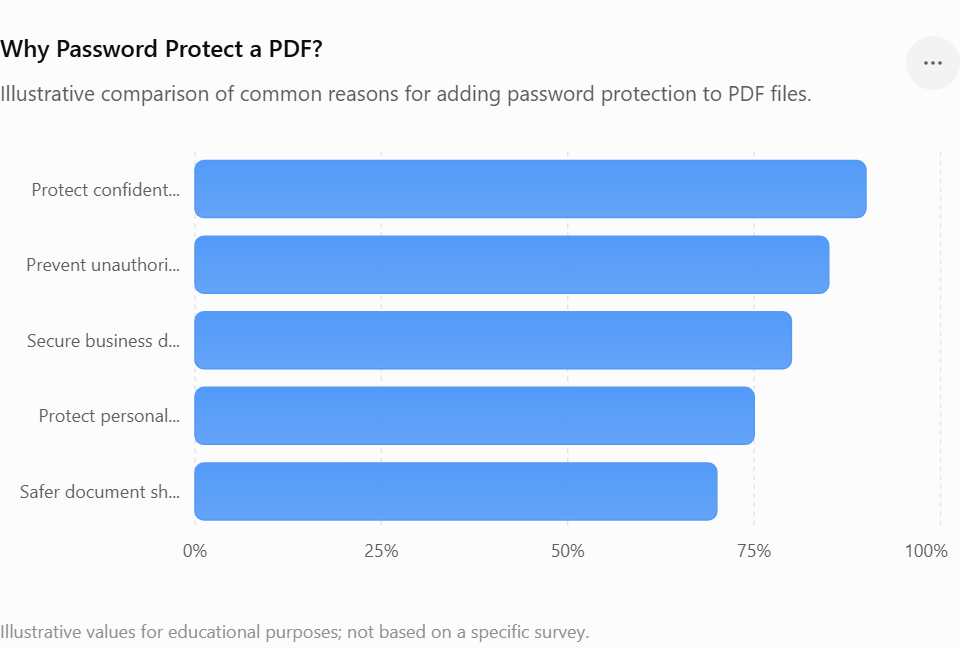
1. Protect Confidential Information
Business documents, client information, financial reports, and internal records may contain sensitive details. Adding a password provides an additional barrier against unauthorized access.
2. Secure Documents Before Sharing
Sending a PDF through email or a messaging platform means the file may pass through multiple systems. Protecting the document before sharing can add an extra layer of security.
3. Keep Personal Files Safer
Personal documents such as applications, certificates, statements, and records may contain information you do not want everyone to see.
4. Reduce Unauthorized Access
A password requirement can prevent people who do not know the password from opening the protected document.
5. Make Document Sharing More Controlled
Password protection is especially useful when you need to share a document with a specific person or group. You can provide the document and communicate the password separately.
How to Password Protect a PDF Online
If you don't want to install desktop software, an online PDF protection tool can provide a convenient alternative.
The general process is straightforward:
Step 1: Select Your PDF
Choose the PDF file you want to secure. Make sure you select the correct document before applying protection.
Step 2: Upload the File
Open an online PDF protection tool and upload your document. The tool will process the file so you can apply the required security settings.
Step 3: Add a Password
Enter a strong password for your PDF. Avoid using easily guessed information such as your name, birthday, phone number, or simple number combinations.
Step 4: Apply Protection
Start the protection process. The tool will create a secured version of your document with password protection applied.
Step 5: Download the Protected PDF
Once processing is complete, download the protected file and store it somewhere secure. You can then share the document with the intended recipient.
How to Protect a PDF with PDFPilot4U
PDFPilot4U's Protect PDF tool provides a simple browser-based way to protect a PDF.
Instead of installing dedicated software, you can use the online tool from a compatible web browser. This can be convenient when you need to secure a document quickly from a computer or other supported device.
The basic workflow is:
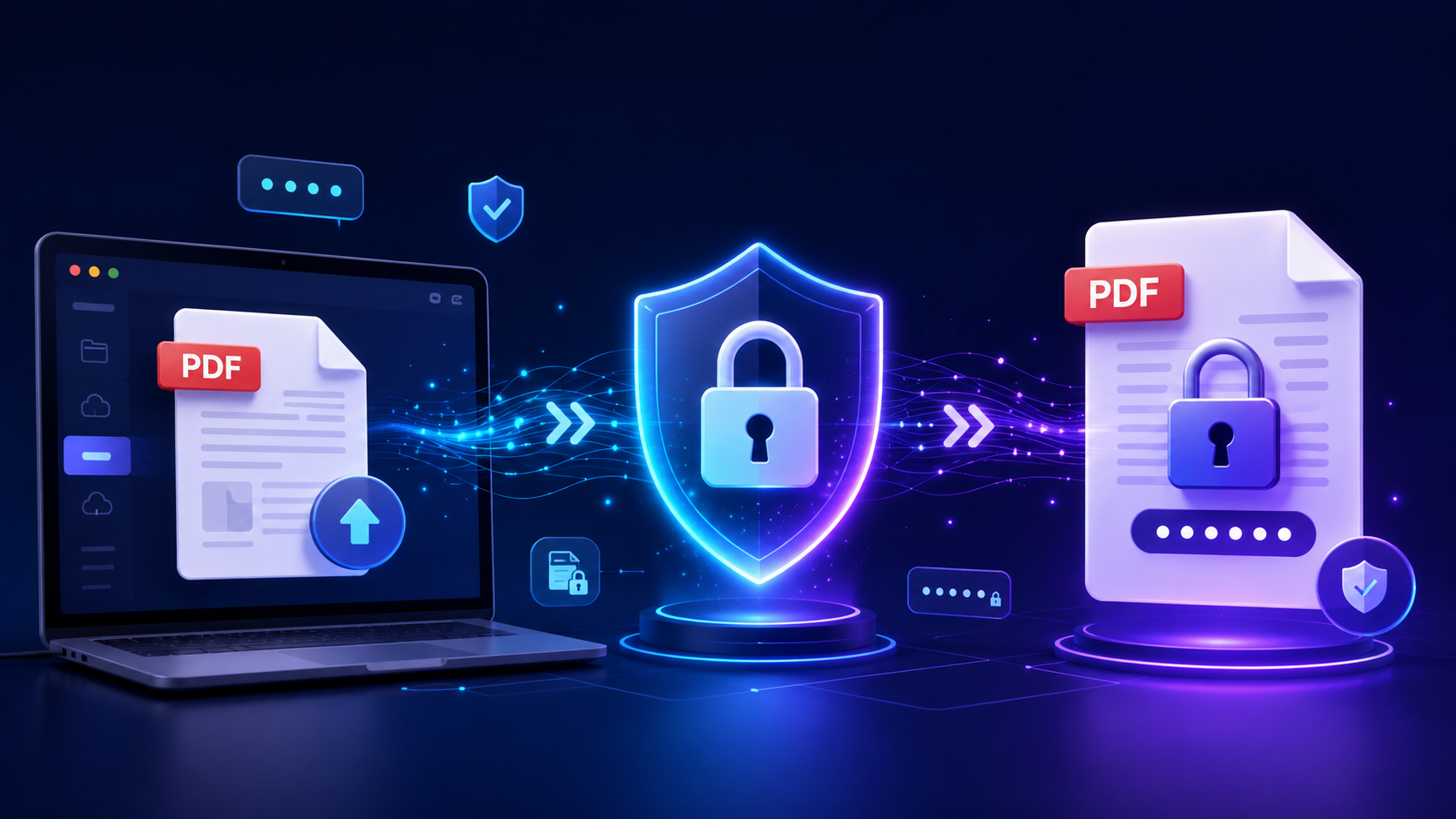
Upload PDF → Set Password → Protect PDF → Download
This straightforward process makes it easier to add protection when you need to secure a document before sharing or storing it.
What Makes a Good PDF Password?
The strength of your password matters. A password that is too simple may be easier to guess.
Consider these practices when creating a password:
Use a combination of uppercase and lowercase letters.
Include numbers and special characters where supported.
Avoid common words and predictable patterns.
Don't use your name or easily available personal information.
Avoid passwords such as 123456, password, or qwerty.
Use a different password for important documents instead of reusing a common password.
Store important passwords in a trusted password manager if necessary.
For highly confidential documents, consider sharing the password through a separate communication channel rather than placing it in the same message as the PDF.
Password Protection vs. Regular PDF Files
A regular PDF can usually be opened by anyone who obtains the file. Password protection introduces an additional access requirement.
| Feature |
Regular PDF |
Password-Protected PDF |
| Opens without a password |
Yes |
No |
| Adds an access barrier |
No |
Yes |
| Suitable for sensitive documents |
Limited |
Better suited |
| Easy to share |
Yes |
Yes, with the password |
| Requires password management |
No |
Yes |
Password protection does not mean a document should be treated as completely risk-free. You should still use secure storage, trusted sharing methods, and appropriate access controls for sensitive information.
When Should You Use a Password-Protected PDF?
Password protection can be useful in many everyday situations.
Business Documents
Companies often exchange proposals, agreements, reports, invoices, and other documents. Password protection can provide an additional layer of access control.
Financial Documents
Bank statements, invoices, payment records, and financial reports may contain information that should be kept private.
Legal Documents
Contracts and other legal documents can contain confidential information. Protecting them before sharing can help limit casual unauthorized access.
Personal Documents
Certificates, applications, identification-related documents, and private records may benefit from additional protection.
Academic Documents
Students and educational institutions can use protected PDFs for reports, records, submissions, and other documents containing private information.
Common Mistakes to Avoid
Adding a password is only one part of keeping a document secure. Avoid these common mistakes.
Using an Easy Password
A short or predictable password provides less protection. Create a password that is difficult for others to guess.
Sharing the Password With the PDF
If you send the password in the same message as the document, you reduce the benefit of having separate access information. When appropriate, communicate the password separately.
Forgetting the Password
Before closing or deleting the original file, make sure you can access the protected version and that the password is stored safely.
Keeping Unprotected Copies
If you create a password-protected copy but continue sharing an unprotected version, the protection may not achieve its intended purpose.
Using Untrusted Tools for Sensitive Files
When working with confidential documents, consider the privacy and security practices of any online service before uploading files.
Can You Password Protect a PDF Without Installing Software?
Yes. Online PDF tools can make it possible to protect documents directly through a web browser.
This approach can be useful when you only need to secure a PDF occasionally and don't want to install a dedicated application. You can access the tool, upload the document, apply protection, and download the resulting file.
For users who frequently work with PDFs, an online workflow can also save time by keeping common document tasks accessible from one place.
Benefits of Protecting PDFs Online
Using an online tool can offer several practical advantages:
No desktop installation: You can work directly from your browser.
Quick workflow: Upload, configure, protect, and download.
Convenient access: Useful when working from different devices.
Simple interface: Designed for users who don't need advanced PDF software.
Useful for occasional tasks: You don't necessarily need dedicated software for a single document.
However, always consider the privacy requirements of your documents before uploading sensitive files to any online service.
Frequently Asked Questions
How do I password protect a PDF?
You can use an online PDF protection tool. Upload your document, enter a password, apply the protection, and download the resulting file.
Can I password protect a PDF online?
Yes. Browser-based PDF tools allow you to protect documents without necessarily installing desktop software. PDFPilot4U provides an online Protect PDF tool for this purpose.
Is a password-protected PDF completely secure?
Password protection adds an important access barrier, but it should not be considered the only security measure for highly sensitive information. Strong passwords and secure sharing practices are also important.
What should I do if I forget my PDF password?
If you forget the password, access to the protected document may be difficult or impossible depending on how the PDF was secured. Keep important passwords stored safely.
Can I share a password-protected PDF?
Yes. You can share the protected PDF with the intended recipient and provide the password separately through a suitable communication method.
What type of documents should be password protected?
Documents containing confidential business information, financial records, contracts, personal information, or other sensitive content may benefit from password protection.
Final Thoughts
PDFs are convenient for storing and sharing information, but sensitive documents may require more than a standard file format. Password protection provides an additional layer of security and can help control who is able to access a document.
Whether you're securing a business report, financial record, personal document, or confidential file, the process doesn't have to be complicated. With a browser-based solution such as PDFPilot4U Protect PDF, you can add protection to a PDF through a simple online workflow.
For better document security, use strong passwords, avoid sharing passwords through the same channel as the document when possible, and keep important credentials stored securely.
Ready to secure your PDF? Try PDFPilot4U's Protect PDF tool and add password protection to your document online.