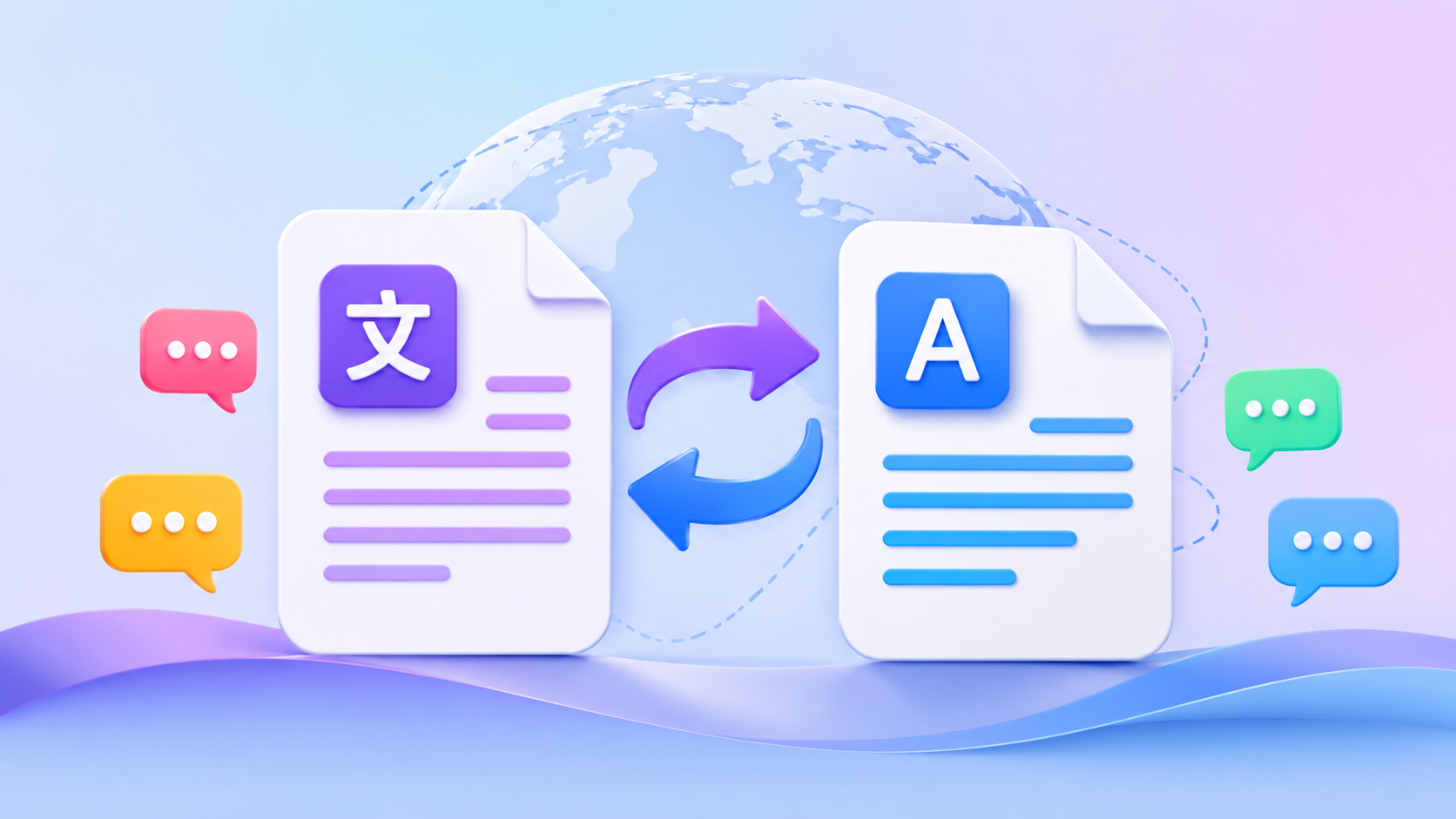
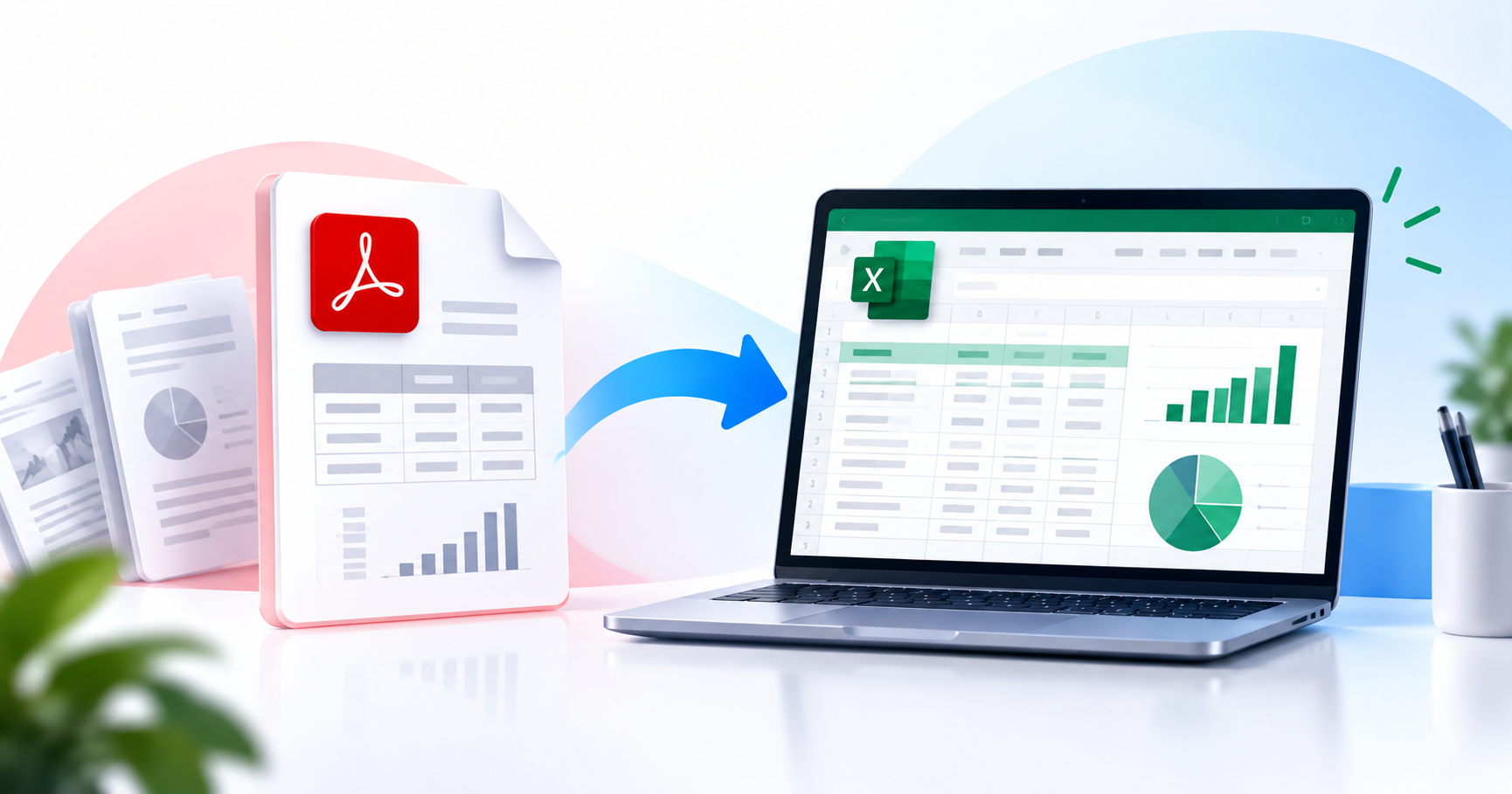
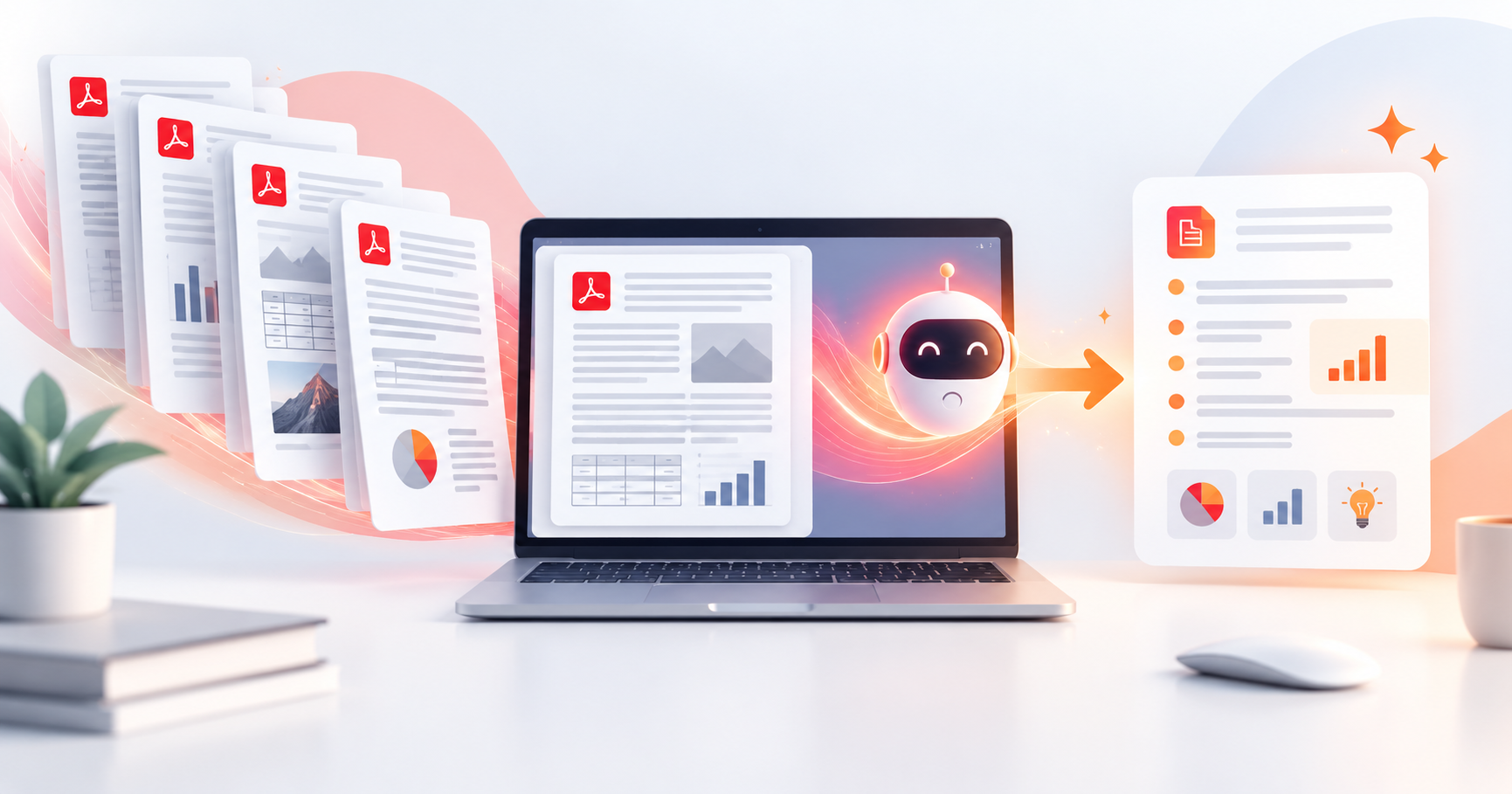
Learn how to translate a PDF into any language without losing its layout, tables, or formatting — using AI-powered PDF translation in seconds.
Translating a PDF sounds simple. In practice, it's a formatting nightmare. Copy the text into Google Translate and you lose all structure. Convert to Word, translate, and reconvert — and columns collapse, tables break, and images detach. AI-powered PDF translation solves all of this by translating the content while preserving the original layout, fonts, and design intact.
Why Standard Translation Tools Fail for PDFs
Most online translation tools — including Google Translate's document upload feature work by extracting the raw text from a document and translating it. This breaks the connection between text and its visual context: columns become single blocks, tables lose their structure, footnotes float to random positions, and multi-column layouts collapse entirely.
AI-powered PDF translation works differently. Instead of stripping text, it analyses the document layout first, translates each text element in its original context, then reassembles the document with all visual elements images, tables, columns, headers exactly where they were.
How to Translate a PDF Using PDFPilot4U
Go to PDFPilot4U: Visit pdfpilot4u.com and select Translate PDF from the AI Tools section.
Upload Your PDF: Drag and drop or browse your file. PDFPilot4U accepts both digital and scanned PDFs — built-in OCR handles scanned documents automatically.
Select Source and Target Language: Choose your document's original language (or use auto-detect) and select your target language. PDFPilot4U supports 50+ languages.
Translate: Click Translate. The AI translates each text segment in context while preserving the original layout structure.
Download or Continue Editing: Download the translated PDF directly, or open it in PDFPilot4U's Edit PDF tool to make any final adjustments before sharing.
Which Documents Benefit Most from AI PDF Translation?
Legal contracts and agreements: Preserve clause numbering, section headers, and footnote structure across languages.
Technical manuals and documentation: Maintain numbered steps, warning boxes, diagram captions, and technical tables in the translated version.
Financial reports and statements: Keep table structures, currency notations, and footnotes intact for accurate cross-language financial review.
Academic papers and research: Preserve citation numbers, figure captions, and multi-column academic layouts.
Marketing materials and brochures: Maintain design layout, image placements, and branded formatting during localisation.
Tips for the Best AI PDF Translation Results
Use high-quality source PDFs: Text-based PDFs produce the best translation results. Scanned documents require OCR first — PDFPilot4U handles this automatically, but starting with a digital PDF gives the cleanest output.
Review specialised terminology:AI translation excels at general and business language. For highly specialised fields (medical, legal, technical), review the translated output for domain-specific terms that may require expert verification.
Use glossary-aware translation for brand consistency: If your document contains brand-specific terms, product names, or defined acronyms, review the first few pages to confirm they are being handled correctly before processing the full document.
Frequently Asked Questions
Does PDFPilot4U's translation preserve tables and columns?
Yes. PDFPilot4U's AI analyses document layout before translating, preserving tables, columns, headers, footers, and image placements in the translated output.
How many languages does PDFPilot4U support for translation?
PDFPilot4U supports 50+ languages including English, Spanish, French, German, Chinese, Japanese, Arabic, Hindi, Portuguese, Italian, Russian, and many more.
Can I translate a scanned PDF?
Yes. PDFPilot4U automatically detects scanned pages and applies OCR to make them translatable. The translated output is returned as a formatted PDF with the original layout preserved.
Is PDF translation free on PDFPilot4U?
Free users can translate PDFs up to a certain page limit without an account. Pro users get unlimited translation with support for longer documents and batch translation.
How accurate is AI PDF translation?
PDFPilot4U uses state-of-the-art neural machine translation models. For standard business, legal, and technical documents, accuracy is very high. Highly specialised domain content should be reviewed by a subject-matter expert.
Get the next one in your inbox.
One email, every Friday. Product updates + engineering deep-dives.