English to Bengali Translation Online – Translate Text & PDFs with AI
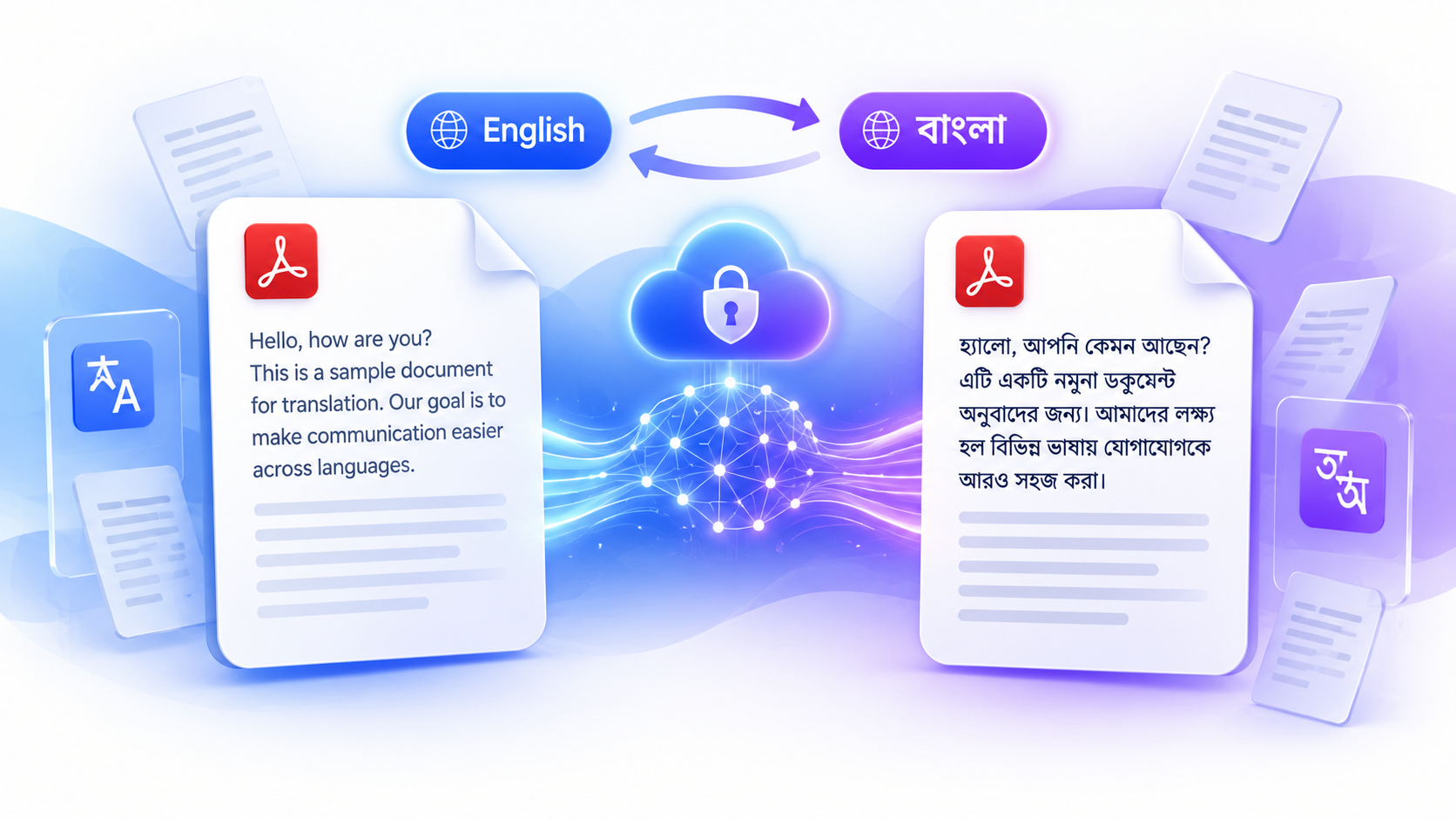
Language should never be a barrier to communication. Whether you're reading an important document, preparing study material, or working with international clients, translating content into Bengali can make information more accessible and easier to understand. With PDFPilot4U, you can translate text, documents, and PDF files into Bengali quickly using AI-powered technology. The platform is designed to deliver accurate results while keeping the process simple, secure, and fast.
Whether you're a student, professional, business owner, or traveler, this online tool helps you convert English content into Bengali without installing additional software.
What Is an English to Bengali Translator?
An English to Bengali translator is an online tool that converts English content into Bengali while preserving the original meaning and context. Unlike traditional word-for-word translation, AI understands complete sentences, making the output more natural and readable.
From short paragraphs to lengthy PDF documents, modern translation tools can process different types of content within seconds.
Why Translate Documents into Bengali?
Bengali is one of the most widely spoken languages in the world. Translating English content into Bengali helps people access information in a language they are more comfortable reading.
Common reasons include:
- Understanding academic material
- Reading business documents
- Sharing information with Bengali-speaking users
- Translating reports and presentations
- Preparing multilingual content
- Converting PDF files for easier reading
An online translation tool makes these tasks faster and more convenient.
Key Features of PDFPilot4U
PDFPilot4U combines AI technology with an easy-to-use interface to simplify document translation.
AI-Powered Accuracy
The tool understands sentence structure and context to produce more natural translations.
PDF Support
Upload PDF documents directly without copying text manually.
Fast Processing
Most files are translated within seconds, helping you save valuable time.
Secure File Handling
Your uploaded documents are processed securely, protecting sensitive information.
No Installation Required
Everything works online through your browser, making the tool accessible from anywhere.
Works Across Devices
Use it on desktops, laptops, tablets, or smartphones whenever you need quick translations.
How to Translate a Document
Using PDFPilot4U is simple:
- Open the Translate tool.
- Upload your document or PDF.
- Choose English as the source language.
- Select Bengali as the target language.
- Click Translate.
- Download or copy the translated content.
The entire process usually takes only a few moments.
Who Can Benefit from This Tool?
This translator is useful for different types of users.
Students
Translate assignments, research papers, notes, and educational resources.
Professionals
Convert reports, manuals, presentations, and workplace documents.
Businesses
Communicate with Bengali-speaking customers and partners more effectively.
Freelancers
Translate project files and client documents without extra effort.
Travelers
Understand local information and important travel documents before your journey.
Benefits of AI-Powered Translation
Artificial intelligence has made language translation faster and more reliable than ever before. Instead of translating one word at a time, AI analyzes complete sentences to deliver results that are easier to read and understand.
Some key benefits include:
- Faster document processing
- Better sentence flow and readability
- Reduced manual effort
- Improved accuracy for everyday content
- Easy access from any device
Whether you're translating a short paragraph or a multi-page PDF, AI helps complete the task in just a few clicks.
Why Choose PDFPilot4U?
There are many online translation tools available, but choosing one that is simple, secure, and efficient makes a big difference.
PDFPilot4U offers:
- AI-powered translation for better accuracy
- Support for text and PDF documents
- Fast online processing
- Clean and user-friendly interface
- Secure file handling
- No software installation required
- Compatible with desktop and mobile devices
The platform is built for users who want quick translations without a complicated workflow.
Tips for Better Translation Results
To get the best output, keep these tips in mind:
- Use clear and complete sentences.
- Upload high-quality, readable PDF files.
- Avoid unnecessary abbreviations or slang.
- Review translated content before sharing official documents.
- Keep the original formatting as clean as possible.
These small steps help improve translation quality and readability.
Common Use Cases
This tool can be used in many everyday situations, including:
- Academic assignments and research papers
- Business reports and presentations
- User manuals and guides
- Marketing materials
- Personal letters and emails
- Contracts and official documents
- Website content and blog articles
- Educational resources
Whether your content is for work, study, or personal use, online translation helps save both time and effort.
Final Thoughts
Finding a reliable solution for English to Bengali Translation doesn't have to be difficult. Whether you're translating study material, business documents, or PDF files, PDFPilot4U makes the process simple, fast, and secure. With AI-powered technology, an intuitive interface, and support for multiple document formats, you can translate content in just a few clicks. If you're looking for a convenient way to convert English content into Bengali, PDFPilot4U is a practical choice for everyday translation needs.
Frequently Asked Questions
Is this translator free to use?
Yes. PDFPilot4U lets you translate text and documents online without installing additional software.
Can I translate PDF files?
Yes. Simply upload your document, choose the desired language, and let the tool process the content.
Is my data secure?
Yes. Files are handled securely during the translation process, helping protect your information.
Does it work on mobile devices?
Absolutely. You can access the translator from smartphones, tablets, laptops, and desktop computers.
Can I translate large documents?
Yes. The platform supports document translation, including PDFs, depending on the supported file size.
Is AI translation accurate?
For most everyday documents, AI provides fast and reliable results while preserving the original meaning as closely as possible.