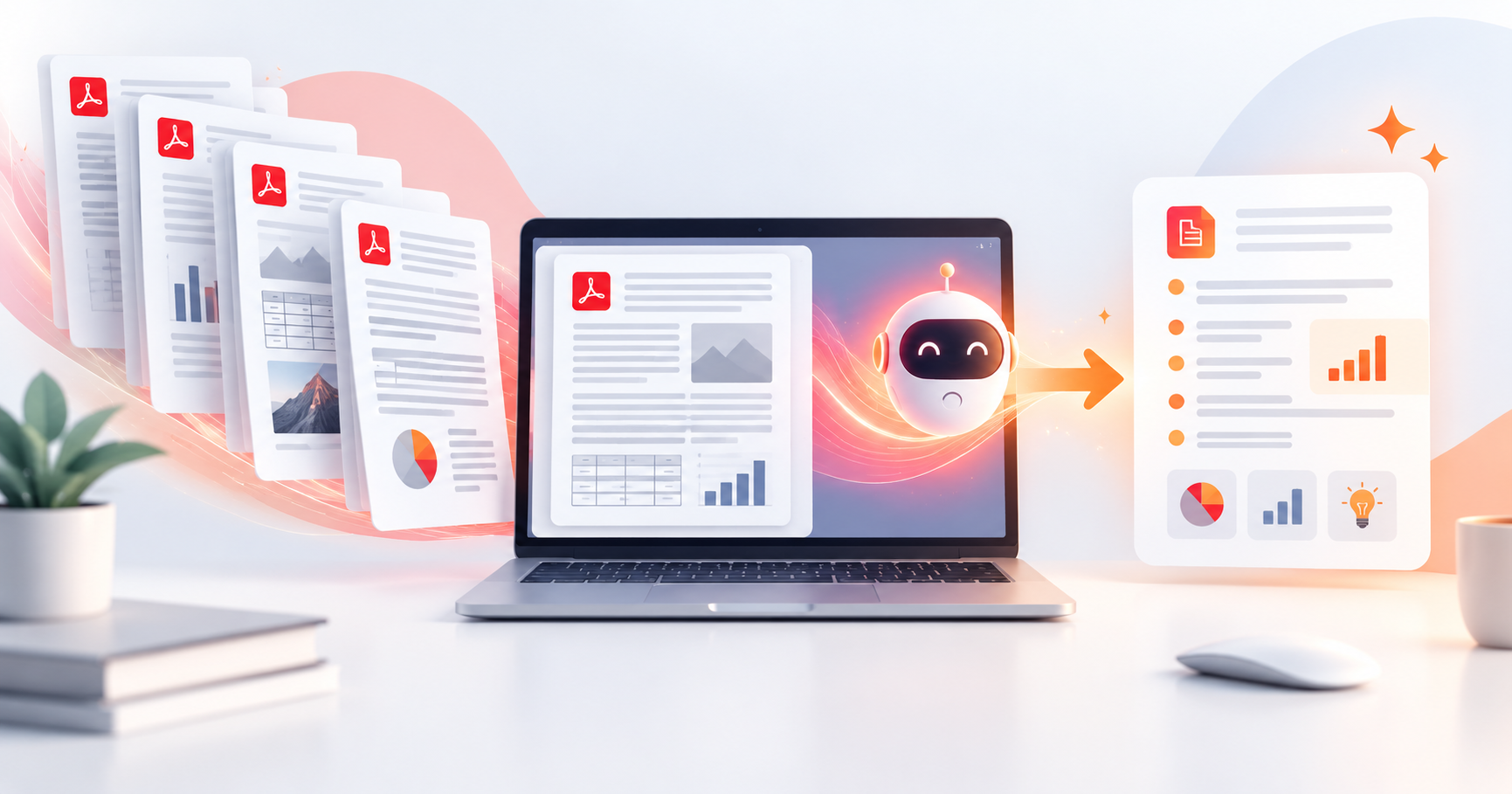
Learn how to choose the right legal PDF tool for contracts, agreements, and confidential documents. Discover the essential features, security tips, and why PDFPilot4U is a smart choice for managing legal PDFs online.
How to Choose the Right Legal PDF Tool: A Complete Guide for Lawyers, Businesses & Professionals
Legal professionals deal with highly sensitive documents every day from contracts and agreements to affidavits, compliance records, client files, and court submissions. Choosing the wrong PDF software can lead to security risks, workflow delays, compatibility issues, and unnecessary manual work.
If you're trying to choose the right legal PDF tool, it's important to look beyond basic editing features. A modern legal PDF solution should help you protect confidential information, organize documents efficiently, collaborate securely, and simplify document management without compromising privacy.
Whether you're an independent lawyer, a legal consultant, a law firm, or a business handling legal paperwork, selecting the right platform can save hours of work while improving accuracy and compliance.
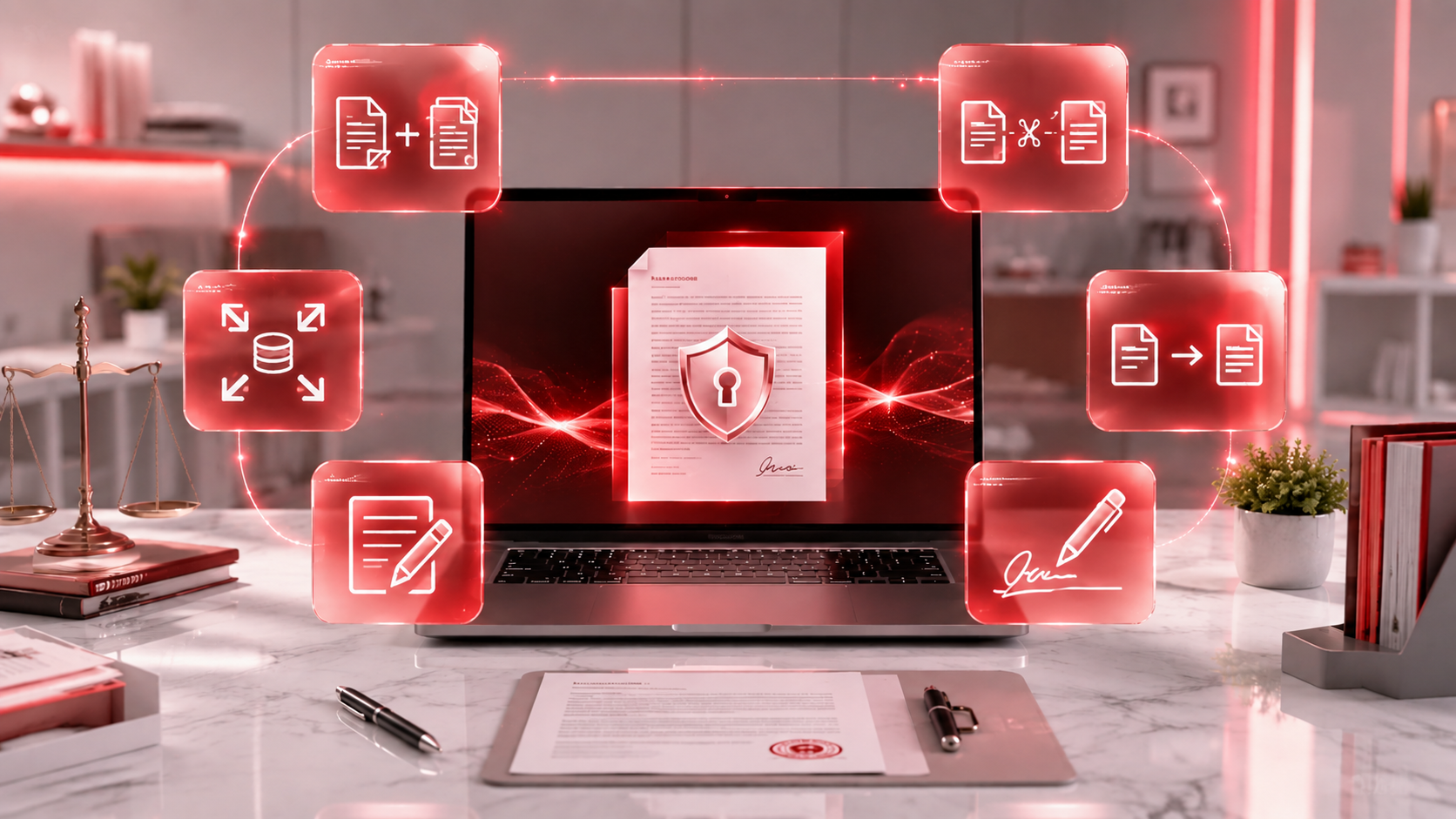
PDFPilot4U provides a collection of browser-based PDF tools that help users edit, organize, convert, compress, merge, split, and manage PDF documents quickly and securely making everyday document workflows much simpler.
Why Choosing the Right Legal PDF Tool Matters
Legal documents contain confidential information that requires careful handling. Unlike ordinary files, legal PDFs often include:
Client agreements
Employment contracts
Business partnerships
Non-disclosure agreements (NDAs)
Property documents
Court filings
Government forms
Compliance records
A professional PDF tool helps ensure these documents remain secure while making editing, reviewing, and sharing much easier. Without the right software, users often struggle with:
Slow document processing
File compatibility issues
Difficult collaboration
Security concerns
Manual paperwork
Large file sizes
Scanned documents that cannot be edited
Choosing a reliable PDF platform reduces these challenges and improves productivity.
Essential Features Every Legal PDF Tool Should Have
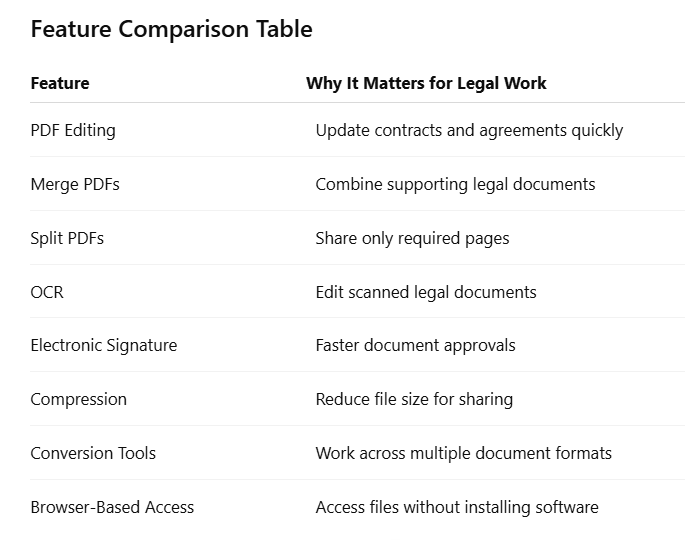
Not every PDF editor is designed for legal workflows. Before selecting one, evaluate whether it offers the features needed to manage confidential legal documents efficiently.
1. Secure PDF Editing
Legal documents often require small corrections, updates, or revisions. A reliable PDF editor should allow users to modify documents without affecting formatting or document quality. Editing capabilities should be fast, accurate, and easy to use, especially when handling contracts or official paperwork.
2. PDF Merge & Split
Legal professionals frequently work with multiple supporting documents.
For example:
Identity proofs
Agreements
Annexures
Court evidence
Client records
Instead of sending multiple files separately, merging them into one organized PDF improves readability.
Similarly, splitting large PDFs helps extract only the required pages for sharing or review.
3. OCR (Optical Character Recognition)
Many legal documents are scanned copies.
Without OCR, scanned files behave like images and cannot be searched or edited.
A good legal PDF tool should support OCR so users can:
Search document text
Copy information
Edit scanned files
Improve document accessibility
OCR significantly reduces manual typing and saves valuable time.
4. Electronic Signatures
Modern legal workflows increasingly rely on electronic signatures.
Instead of printing, signing, scanning, and uploading documents again, electronic signatures allow users to complete approvals digitally.
An ideal legal PDF tool should make signing documents quick while supporting secure document handling.
5. Document Compression
Large PDF files are common in legal work.
Case files containing evidence, images, or lengthy reports can become difficult to email or upload.
A quality PDF compressor reduces file size while maintaining readability, making document sharing much more convenient.
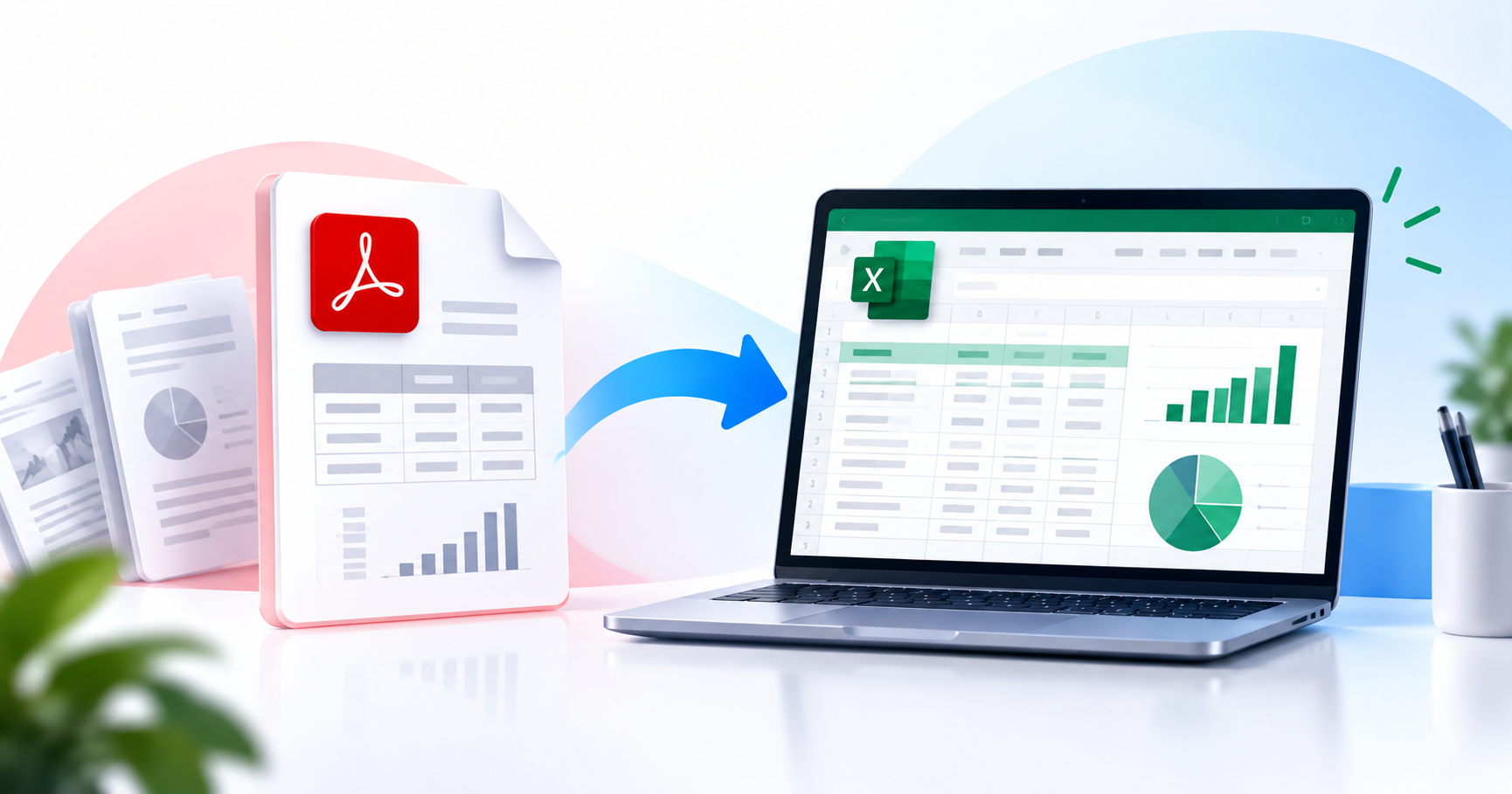
6. PDF Conversion
Legal teams often exchange files in multiple formats.
A complete PDF platform should support smooth document conversion without losing formatting.
What Makes a PDF Tool Suitable for Legal Professionals?
A legal PDF tool should be more than just an editor. It should simplify document workflows while maintaining professionalism and data security.
The best solutions typically offer:
Fast document processing
Secure file handling
Easy organization
Multiple PDF utilities in one place
Simple user interface
High-quality document output
Cross-device compatibility
Reliable online access
These capabilities help legal professionals spend less time managing files and more time focusing on their clients and cases.
Protecting Confidential Legal Documents: Security Comes First
When dealing with legal paperwork, security should never be an afterthought. Contracts, court filings, business agreements, and client records often contain confidential information that must remain protected throughout the document lifecycle.
A reliable legal PDF tool should help you safeguard files while allowing authorized users to edit, review, or share documents securely.
Security Features to Look For
Before selecting any PDF software, check whether it offers these essential security capabilities:
Secure online file processing
Password protection for sensitive documents
Safe document sharing
File encryption support
Automatic deletion of uploaded files after processing
Reliable cloud-based access
Protection against unauthorized access
Choosing a platform that prioritizes privacy helps reduce risks while improving confidence when handling important legal documents.
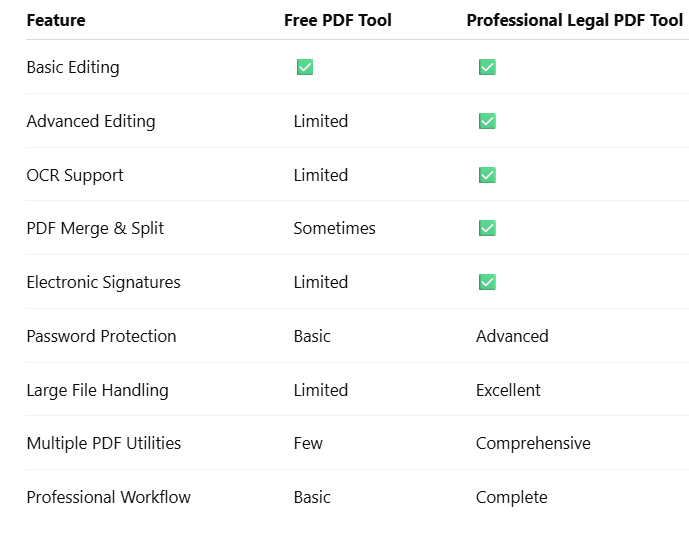
Free PDF Tools vs Professional Legal PDF Tools
Many people begin with free PDF editors because they are easy to access. While they work well for basic tasks, legal professionals usually require advanced functionality, stronger security, and better document management.
For occasional personal use, a free tool may be enough. However, law firms, businesses, HR teams, consultants, and legal departments benefit significantly from a professional solution that combines multiple PDF features in one place.
For occasional personal use, a free tool may be enough. However, law firms, businesses, HR teams, consultants, and legal departments benefit significantly from a professional solution that combines multiple PDF features in one place.
Common Mistakes When Choosing a Legal PDF Tool
Many users select a PDF editor based only on popularity or price. This often leads to workflow challenges later.
Avoid these common mistakes:
1. Ignoring Security
The biggest mistake is choosing a tool without checking how it handles uploaded files. Confidential legal documents should always be processed securely.
2. Choosing a Tool with Limited Features
Using different websites for editing, converting, compressing, and merging PDFs wastes time.
Instead, choose a platform that provides multiple PDF tools in one place.
3. Overlooking OCR Support
Scanned contracts and court documents are common in legal work.
Without OCR, editing or searching scanned files becomes difficult and time-consuming.
4. Ignoring File Compatibility
Legal professionals often receive documents in Word, Excel, PowerPoint, images, and PDF formats.
A flexible PDF platform should support smooth conversion between different file types.
5. Choosing a Complicated Interface
Legal teams work with documents throughout the day.
A clean, user-friendly interface reduces the learning curve and improves productivity.
Why PDFPilot4U Is a Smart Choice
If you're looking for a practical online solution, PDFPilot4U brings together a wide range of PDF utilities in a single browser-based platform.
Instead of switching between multiple websites, users can complete everyday document tasks from one place.
Some of the commonly used features include:
PDF Merge
PDF Split
PDF Compress
PDF Conversion
PDF Editing
Image to PDF
PDF to Word
Word to PDF
AI-powered PDF tools
Electronic Signature tools
Document organization features
Because the platform works online, there is no need for complex software installation. Users can access PDF tools directly from their browser whenever required.
Whether you're reviewing contracts, preparing agreements, organizing case documents, or sharing legal files with clients, having multiple PDF tools in one platform helps simplify the entire workflow.
Benefits of Using One Complete PDF Platform
Using a single PDF solution offers several advantages over relying on multiple websites.
Better Productivity
Complete document tasks without constantly switching between different tools.
Consistent Workflow
Maintain the same interface for editing, converting, compressing, signing, and organizing documents.
Faster Processing
Modern browser-based tools reduce unnecessary steps and help users finish work more efficiently.
Easier Collaboration
Well-organized PDFs are easier to review, annotate, and share with colleagues or clients.
Improved Document Quality
Reliable PDF processing helps preserve formatting during editing and conversion.
Quick Checklist Before Choosing Any Legal PDF Tool
Use this checklist before making your decision:
✅ Secure document handling
✅ Password protection
✅ OCR support
✅ PDF editing tools
✅ Merge and Split features
✅ File compression
✅ Document conversion
✅ Electronic signatures
✅ Browser-based accessibility
✅ Easy-to-use interface
If a PDF platform meets most of these requirements, it is likely to support efficient legal document management for both individuals and organizations.
Get the next one in your inbox.
One email, every Friday. Product updates + engineering deep-dives.