Best PDF Tools for Students in 2026: Free, Fast & Easy Solutions for Everyday Study
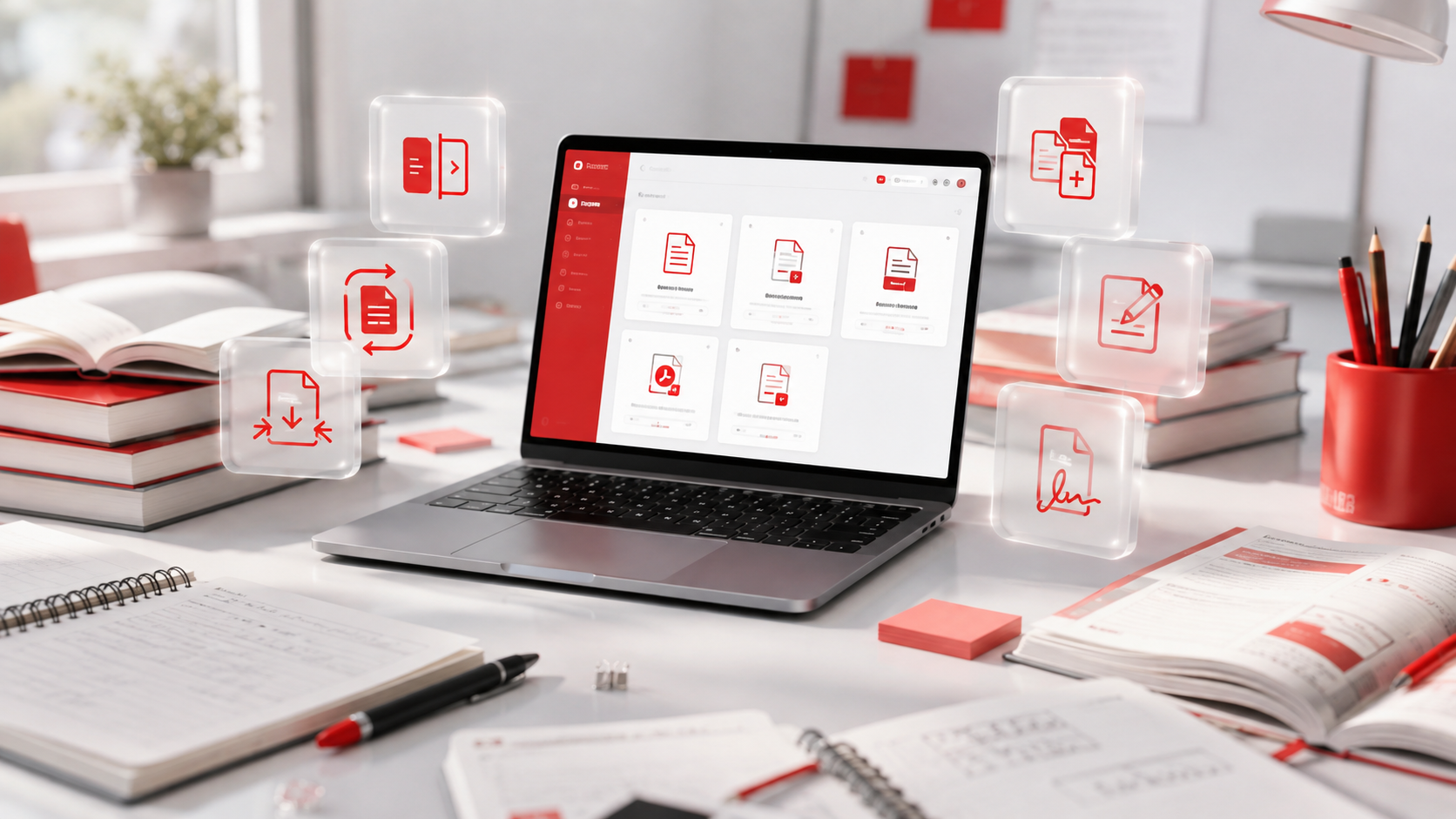
Whether you're submitting assignments, organizing lecture notes, converting research papers, or filling out scholarship forms, working with PDF files has become a regular part of student life.
The challenge isn't finding a PDF tool it's finding one that offers the right balance of speed, simplicity, and useful features without unnecessary complexity.
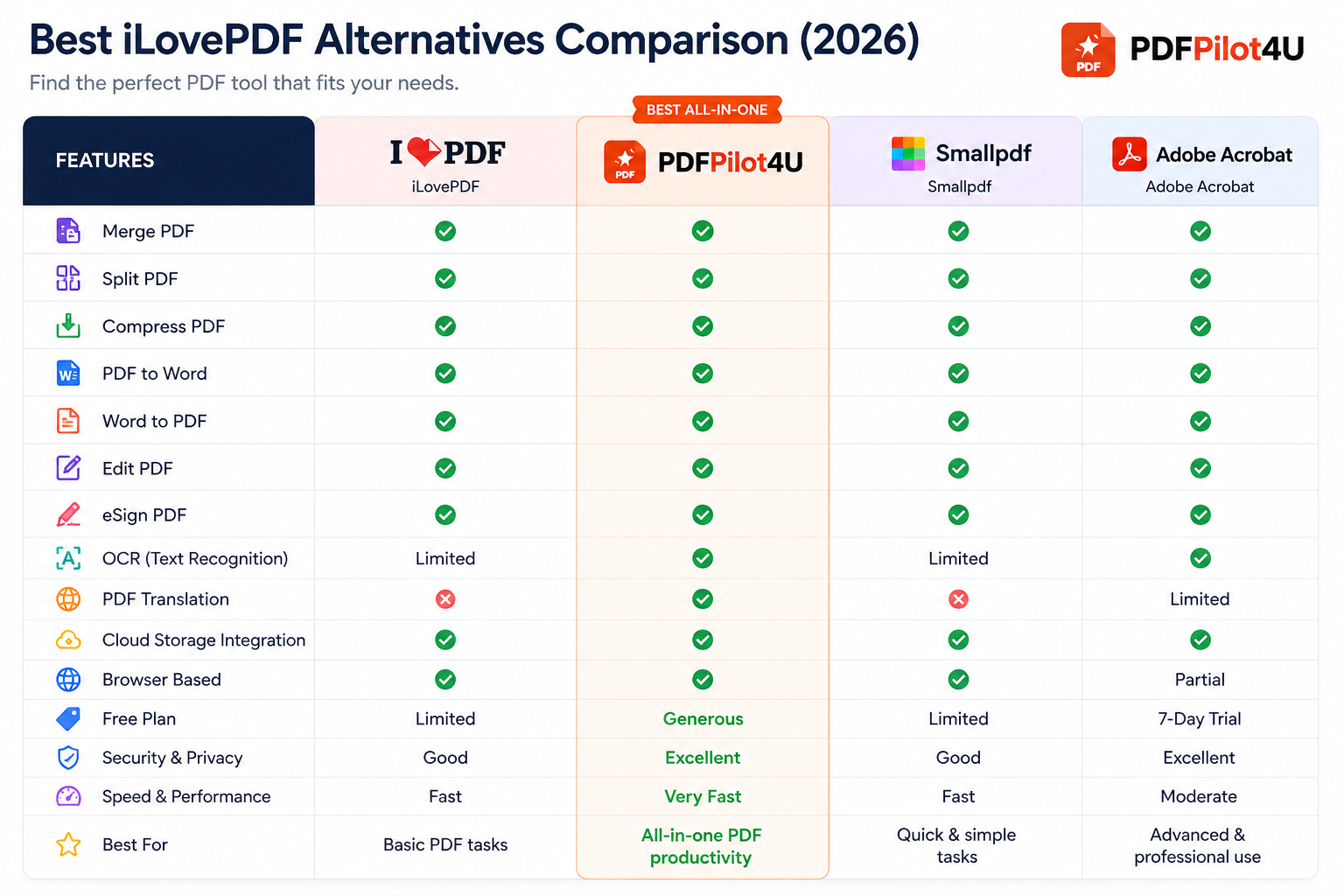
In this guide, we'll compare some of the most popular PDF tools available in 2026 and explain which features actually matter for students.
Why Students Need PDF Tools Today
Students interact with PDFs almost every day.
Common situations include:
- Combining multiple assignments into one file
- Compressing large PDFs before uploading
- Converting Word documents into PDFs
- Editing class notes
- Signing internship forms
- Extracting pages from textbooks
- Translating study material
Instead of installing heavy desktop software, many students now prefer browser-based PDF tools that work instantly on laptops, tablets, and smartphones.
What Makes a Good PDF Tool for Students?
Before choosing any PDF platform, consider these essential features.
| Feature |
Why It Matters |
| Merge PDF |
Combine assignments into one submission |
| Compress PDF |
Meet upload size limits |
| PDF Converter |
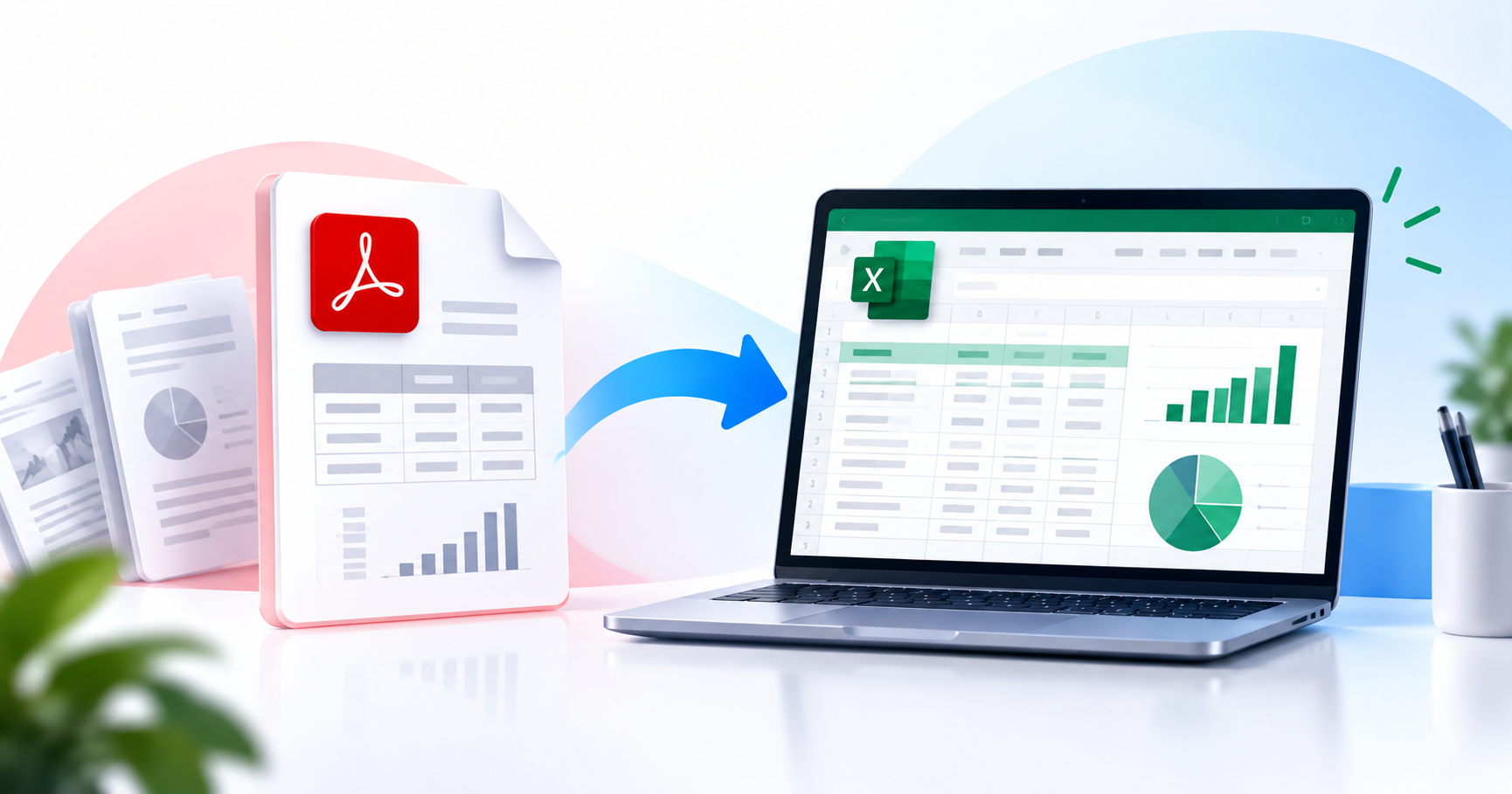
Convert Word, Excel, JPG and more |
| Edit PDF |
Correct mistakes without recreating documents |
| Split PDF |
Extract important pages from notes |
| eSign |
Sign forms digitally |
| OCR |
Convert scanned notes into editable text |
| Browser Access |
Use from any device without installation |
How to Choose the Right PDF Tool as a Student
Not every student has the same requirements. A first-year undergraduate may simply need to merge assignments, while a research scholar might require OCR, annotation, and document editing.
Before choosing a PDF tool, consider these factors:
- Does it support all the PDF tasks you perform regularly?
- Can you use it without installing software?
- Is it accessible from both mobile and desktop?
- Does it offer secure file processing?
- Can it handle large documents efficiently?
Choosing a tool that combines multiple features in one platform can simplify your workflow and reduce the need to switch between different websites.
Benefits of Using an All-in-One PDF Tool
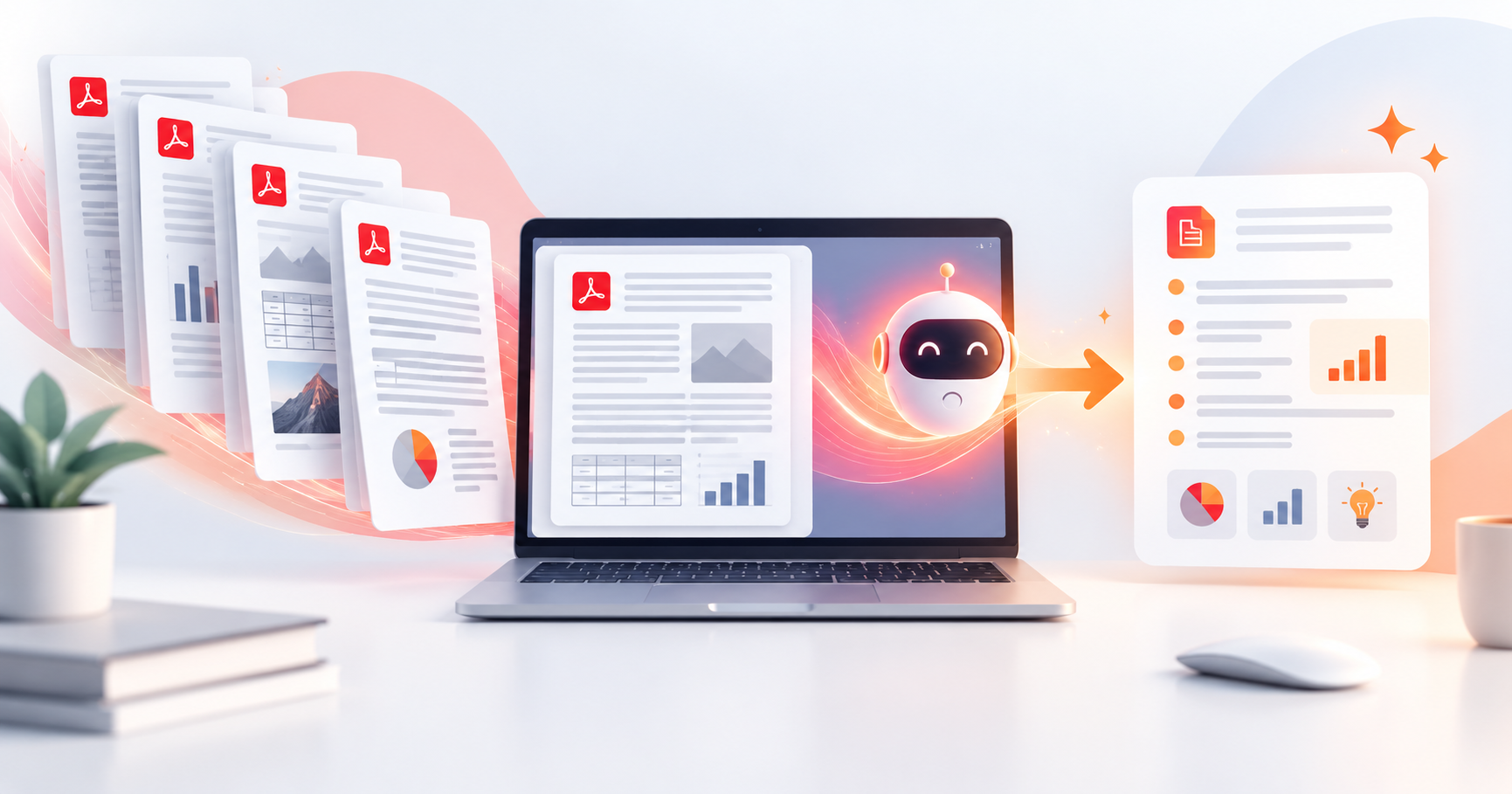
Instead of relying on separate tools for every task, an all-in-one PDF solution helps you stay organized throughout the academic year.
Advantages
- Save time while preparing assignments
- Organize lecture notes quickly
- Convert documents in multiple formats
- Reduce file size before uploading
- Edit PDFs without recreating documents
- Sign internship or scholarship forms online
- Access tools directly from your browser
| Student Type |
Recommended Choice |
| School Students |
PDFPilot4U |
| College Students |
PDFPilot4U |
| Engineering Students |
Adobe Acrobat / PDFPilot4U |
| MBA Students |
PDFPilot4U |
| Research Scholars |
Adobe Acrobat |
| Internship Applicants |
PDFPilot4U |
Tips for Managing PDF Assignments More Efficiently
Good document management can save time during exams, project submissions, and internships.
Here are a few practical tips:
- Keep file names clear and descriptive.
- Compress large PDFs before uploading to university portals.
- Merge supporting documents into a single file whenever possible.
- Convert editable documents to PDF before sharing.
- Store important documents in cloud storage for easy access.
- Review the final PDF before submitting to avoid formatting issues.
Why Browser-Based PDF Tools Are Becoming More Popular
Modern students often switch between laptops, tablets, and smartphones.
Browser-based PDF tools eliminate the need for software installation and allow documents to be managed from almost any device with an internet connection.
This flexibility is particularly useful during:
- Online classes
- Group projects
- Campus placements
- Internship applications
- Scholarship submissions
Frequently Asked Questions
What is the best PDF tool for students in 2026?
The best choice depends on your daily tasks. Students who frequently merge, compress, convert, edit, or sign PDFs may benefit from an all-in-one browser-based platform, while advanced academic users might prefer professional desktop software for specialized editing.
Are online PDF tools safe to use?
Reputable PDF platforms typically use secure connections for file transfers. Before uploading sensitive documents, review the provider's privacy policy and file handling practices.
Can students edit PDFs without installing software?
Yes, Many browser-based PDF tools allow editing, conversion, compression, and document organization directly online without requiring installation.
Which PDF tool is best for assignments?
A good assignment workflow usually includes PDF conversion, merging, compression, and editing. Using a platform that offers these features together can make preparing submissions more convenient.
Can I convert Word files into PDFs for free?
Many online PDF platforms support Word-to-PDF conversion, making it easier to submit assignments in a widely accepted format.
Final Thoughts
Managing PDFs has become an essential part of modern education. Whether you're preparing assignments, organizing lecture notes, applying for internships, or submitting research papers, choosing the right PDF tool can simplify your workflow.
Instead of focusing on a single feature, look for a solution that supports your everyday academic needs from document conversion and editing to compression and digital signatures.
If you're exploring browser-based PDF solutions, PDFPilot4U offers a wide range of tools designed to help students handle common PDF tasks efficiently in one place.