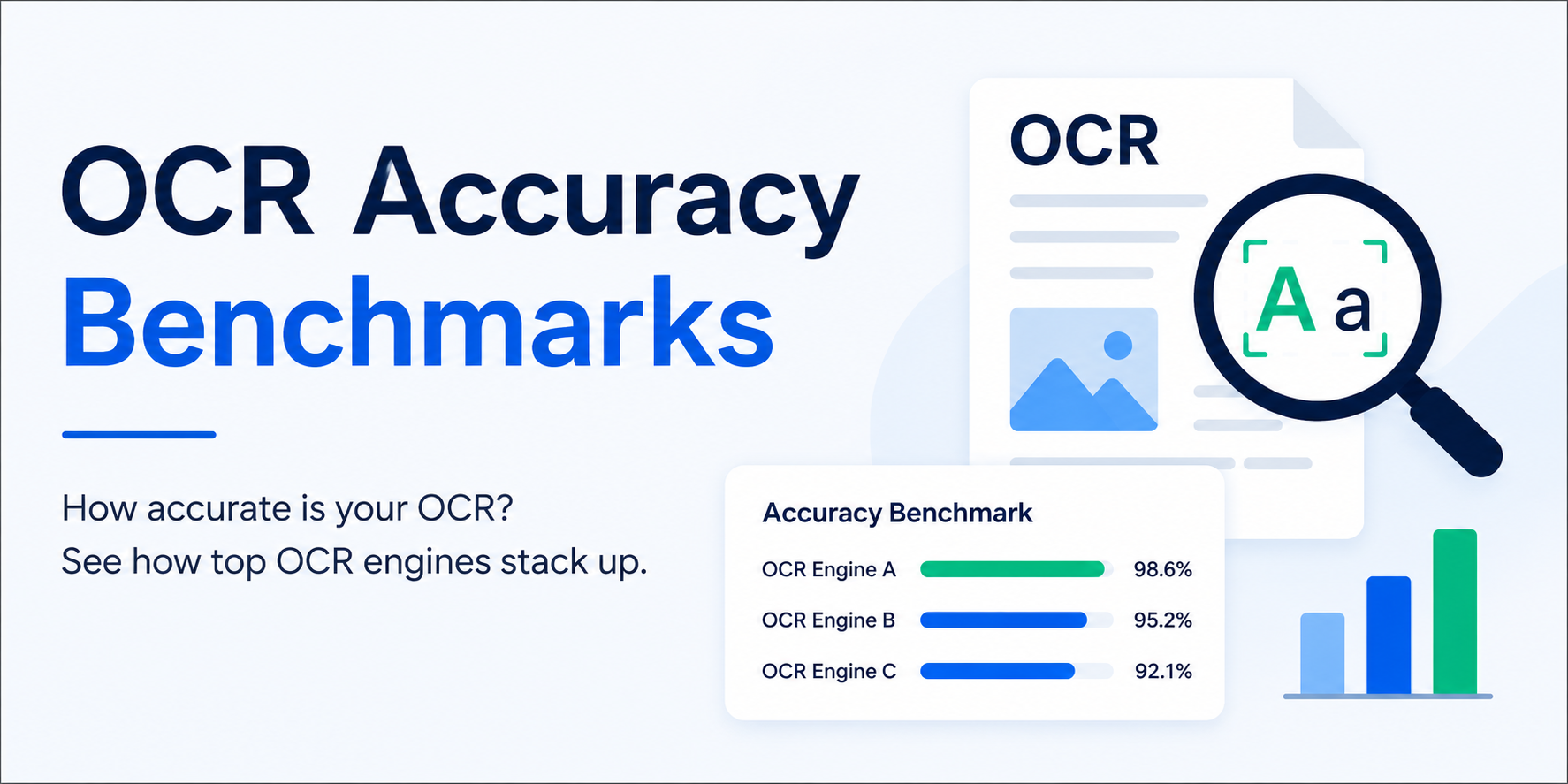
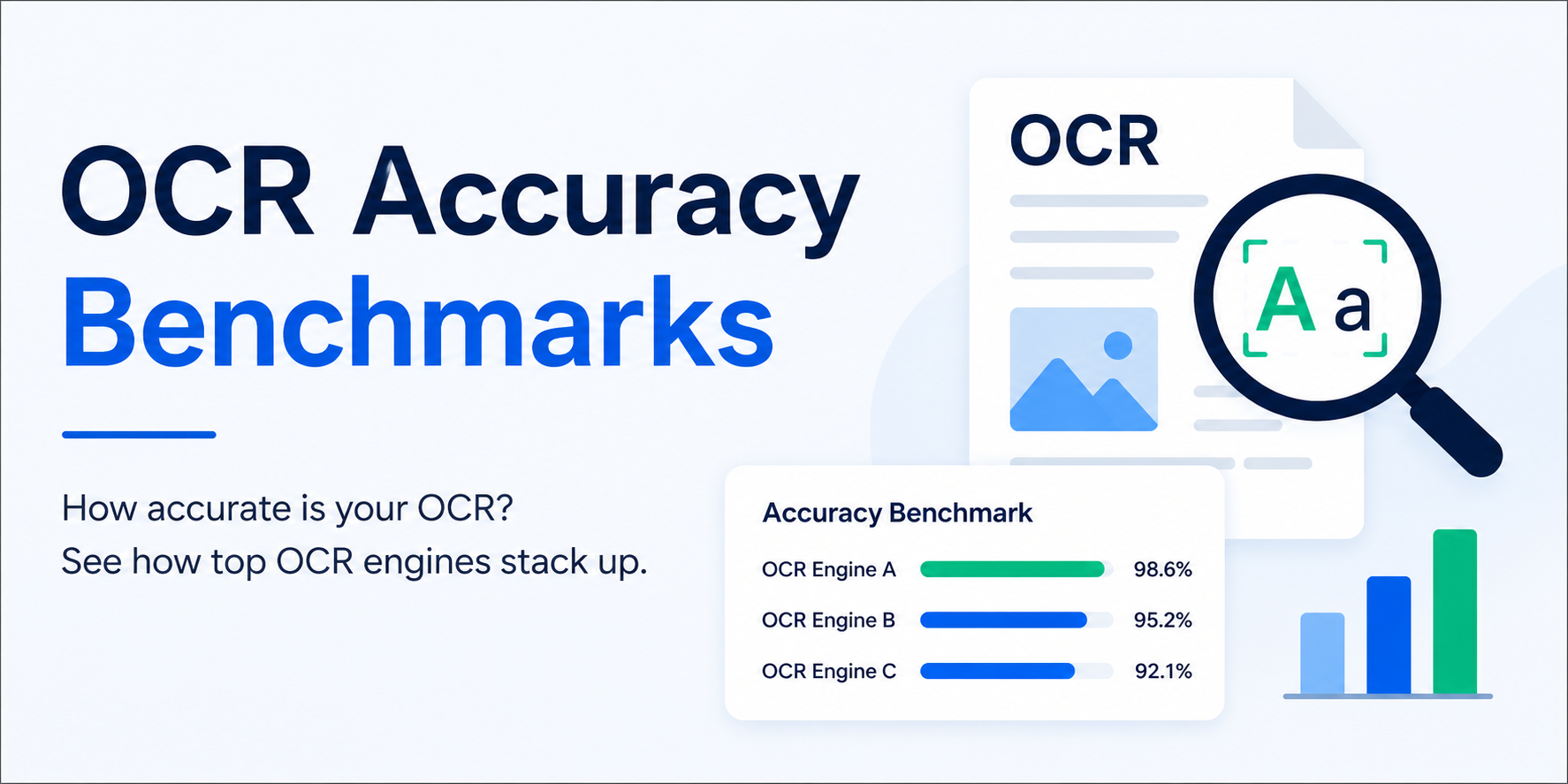
A deep dive into our OCR pipeline: layout-aware segmentation, multi-pass decoding, and why we ditched monolithic models for ensembles.
## The baseline
We started with vanilla Tesseract 5. On the DocVQA benchmark, it scored 89.2% character accuracy on scanned invoices. Good enough for "mostly text" PDFs — bad enough that customers complained about dropped decimal points in extracted tables.
We wanted 98%+. Here's how we got there.
What was breaking
Three failure modes dominated error analysis:
Low-contrast scans (phone photos of printed docs, especially thermal receipts)
Tables and multi-column layouts — Tesseract would concatenate rows into unreadable walls of text
Small fonts under 9pt — below Tesseract's comfortable range
What we changed
1. Pre-processing pass
Before the image ever hits Tesseract, we run:
Deskew via Hough transform (pages off by 1-3° are common on handheld scans)
Adaptive contrast via CLAHE (fixes dim thermal paper)
Upscaling to 400 DPI when the input is below 200 DPI
Denoise with non-local means for grainy phone shots
This alone bumped accuracy from 89.2% → 93.8%.
2. Layout-aware segmentation
Instead of one big OCR pass, we:
Run a layout detector (fine-tuned LayoutLMv3) to find blocks, tables, and headers
OCR each block independently with the right config (Tesseract's --psm mode matters — 6 for uniform blocks, 11 for sparse text)
For tables, use --psm 6 plus post-hoc row/column alignment
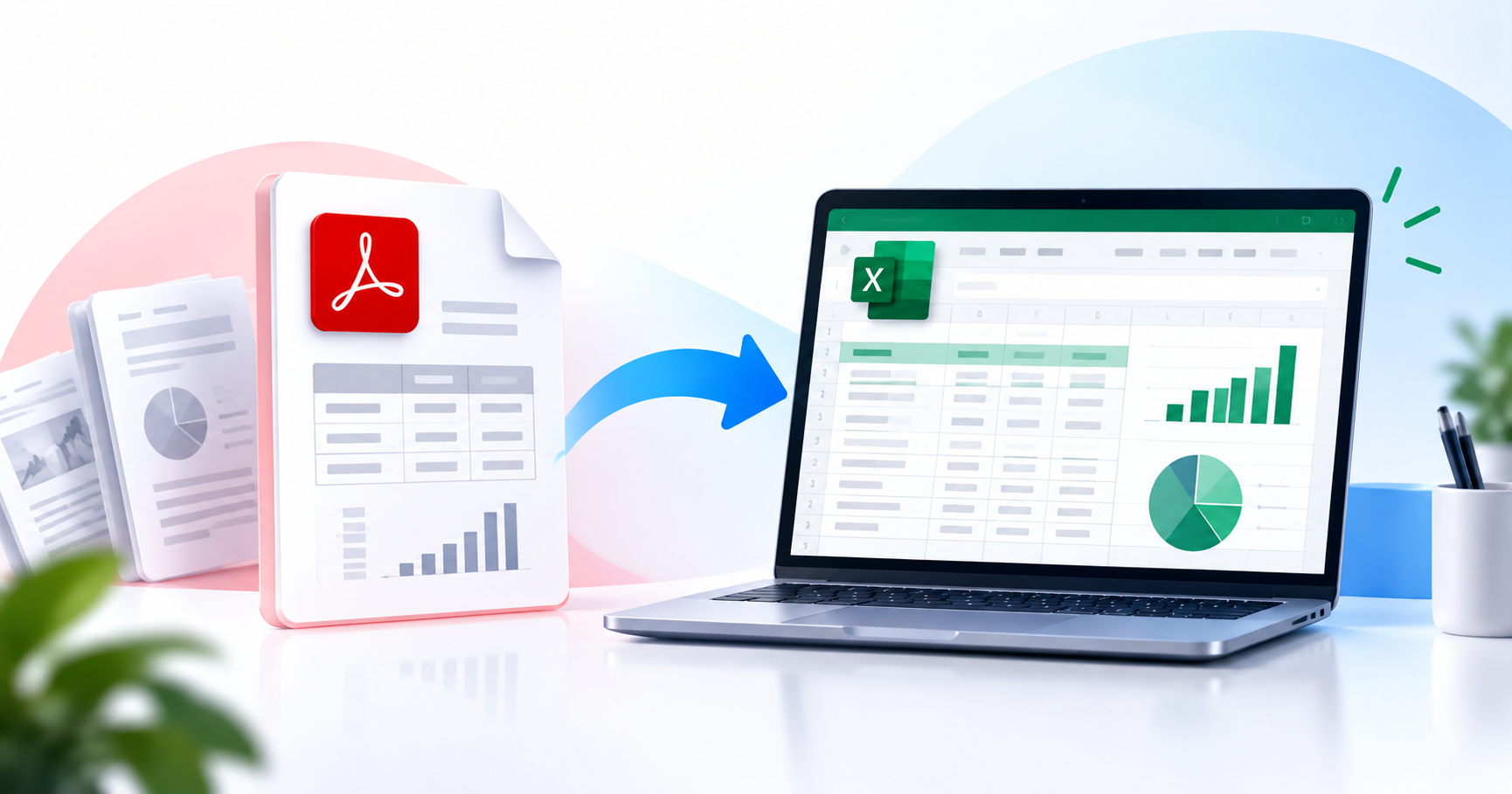
Tables went from "unreadable" to "Excel-ready." Accuracy jumped to 97.1%.
3. Multi-pass ensemble
The final move: run three OCR engines in parallel (Tesseract, PaddleOCR, and TrOCR for low-confidence tokens), then merge with word-level confidence voting. Slower — about 2x single-pass — but closed the last gap.
Final: 98.4% on DocVQA.
What we're not doing (yet)
Handwriting — our accuracy on handwritten forms is still 72%. We have an internal project (codename: Pen) but it's not shipping this quarter.
Math equations — LaTeX extraction is a dedicated pipeline we haven't built.
Try it
Upload any scanned PDF at /tools/ocr. You'll see the quality difference within 30 seconds.
Get the next one in your inbox.
One email, every Friday. Product updates + engineering deep-dives.